



Welcome to Wood Barn Farm Cams Site
We hope you enjoy our live streaming cams of the Pigmy goats. chickens and pond life.
Please use the orange burger, top right of the page, to access the menu at any time.
There are currently two patrolling cams which are Paddcam West and Billycam. Paddcam West also has a tracking feature which will follow the goats around the paddock.
See below for more website features, or.....
FEATURES
Our website features
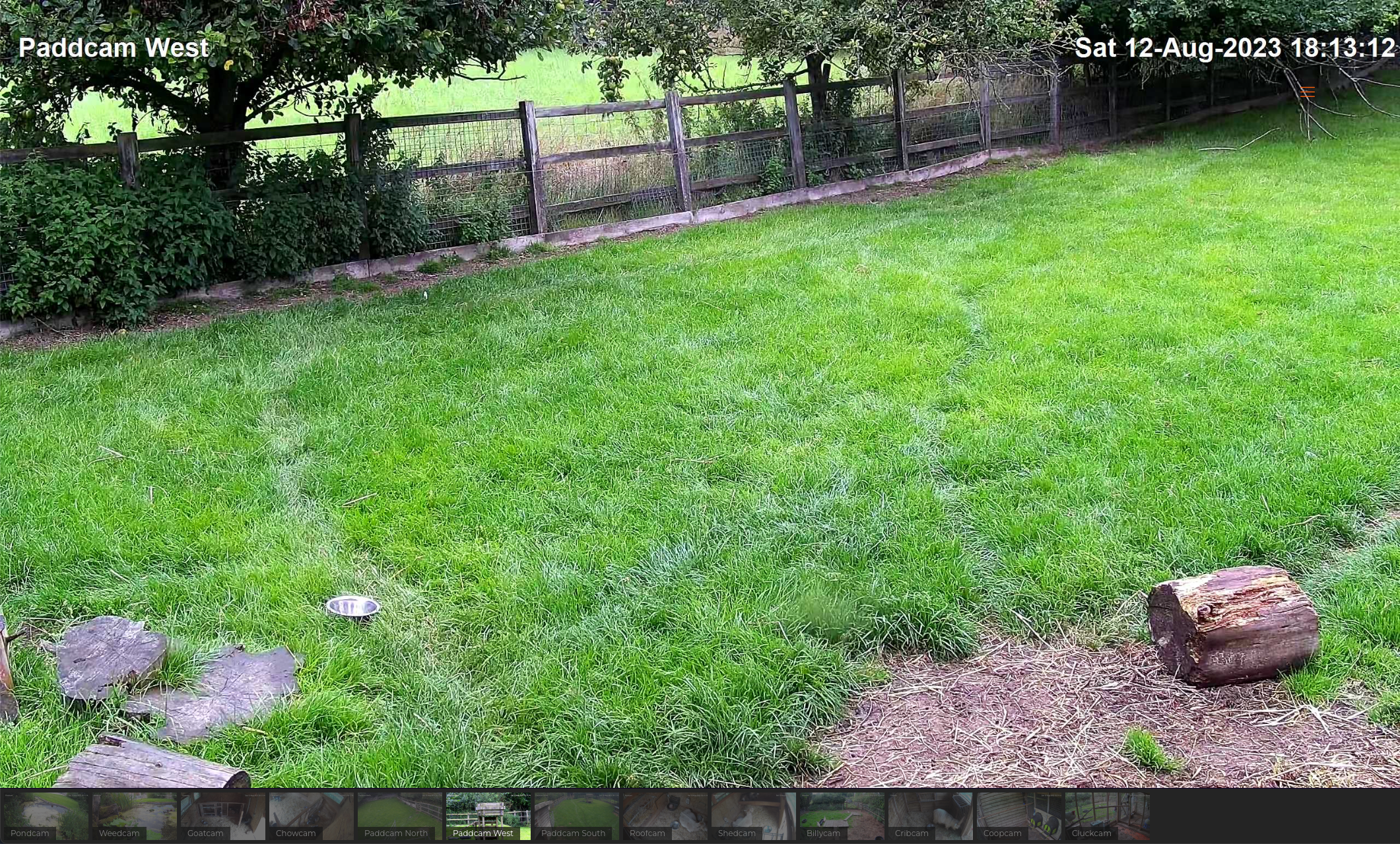
Live Webcams
Our live webcams run 24 hours a day providing an insight in to the farm lives of our animals.
Highlights:
Follow the goats outdoors on Paddcam North, West and South, and indoors on Goatcam, Chowcam, Roofcam and Shedcam
See Billy goat Eddie and companion Benjy on Billycam and Cribcam
You can find the chickens on Coopcam and Cluckcam and see our pond life on Pondcam and Weedcam
Timeline Snaps
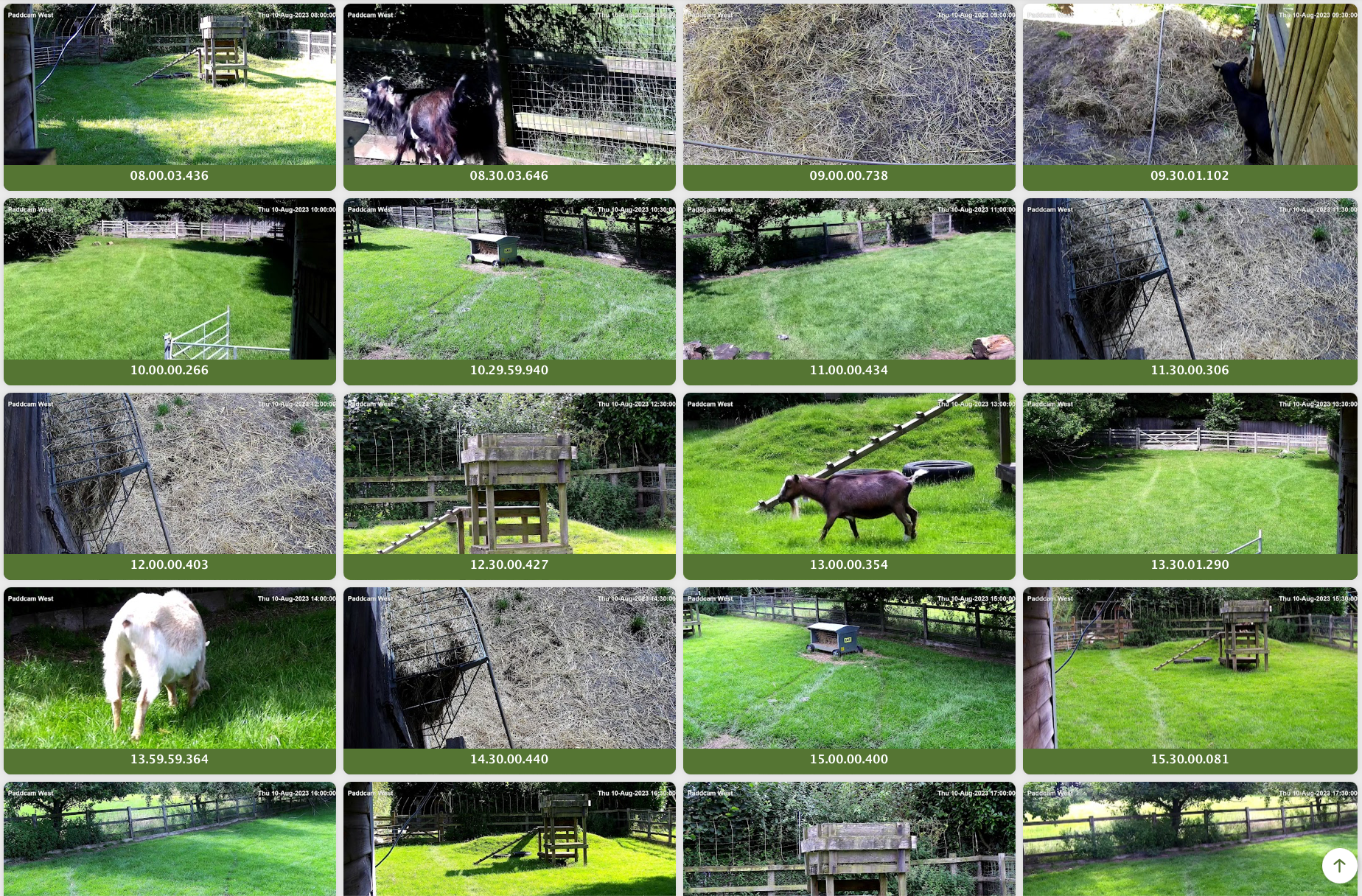
All of our webcams take a snap every 30 minutes so you can view the cams activity history
How to use the Snaps page:
Click on the individual cam in the menu under ‘Snaps’ and you will be directed to the latest days images
Use the breadcrumbs at the top to navigate to a different Cam > Year > Month > Day
When on the page for any given day, click on an image to start a slideshow. Use the menu top left to close, fullscreen or pause/play the slideshow. The menu on the right to share or download the current image

Gallery
Our Gallery page provides high quality photographs from over the years
How to use the Gallery page:
From the ~Gallery page, start by selecting a year and drill down through the month/subject to view the images
Use the breadcrumbs at the top to navigate to a different Year > Month – Subject
When on a gallery page, click on an image to start a slideshow. Use the menu top left to close, fullscreen or pause/play the slideshow. The menu on the right to share or download the current image

Videos
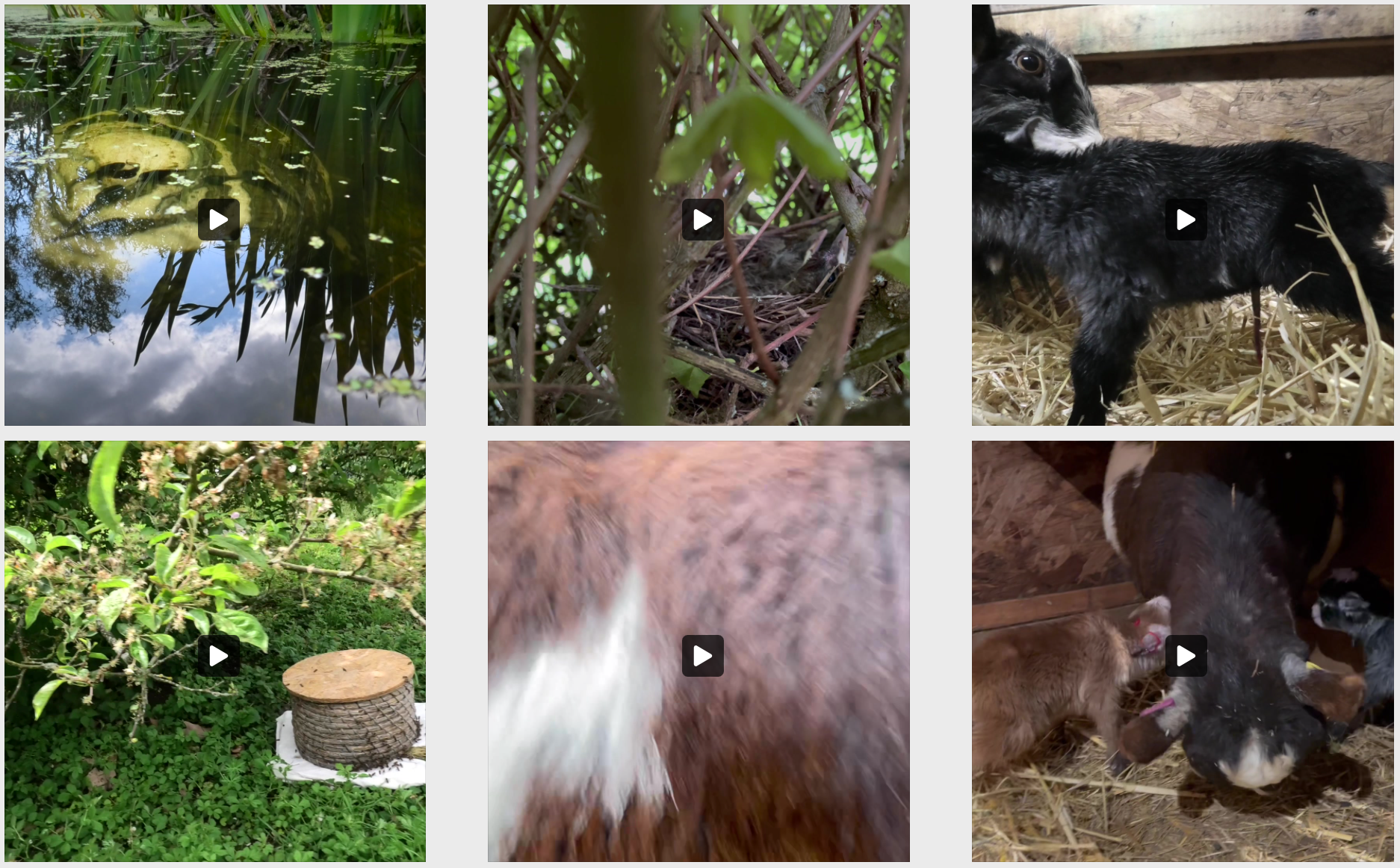
Our Videos page provides a link to all the videos we have posted (on Facebook)
How to use the Videos page:
Click on any video thumbnail to start the video on a pop-up
Use the icons top left to view full screen or in a pop-out window. Use the controls at the bottom to pause/play the video
Use navigation arrows left and right to move to the next or previous video
Click outside the video to return to the Video page

News
Our News page provides a single place to view all our latest posts from Facebook
How to use the News page:
Click on any news item to open the post in a pop-up
Click outside the post or click the X bottom right to return to the Video page
Use navigation arrows left and right to move to the next or previous post
